Ultimate Astrophotography Stacking Software Guide: 7 Best Tools

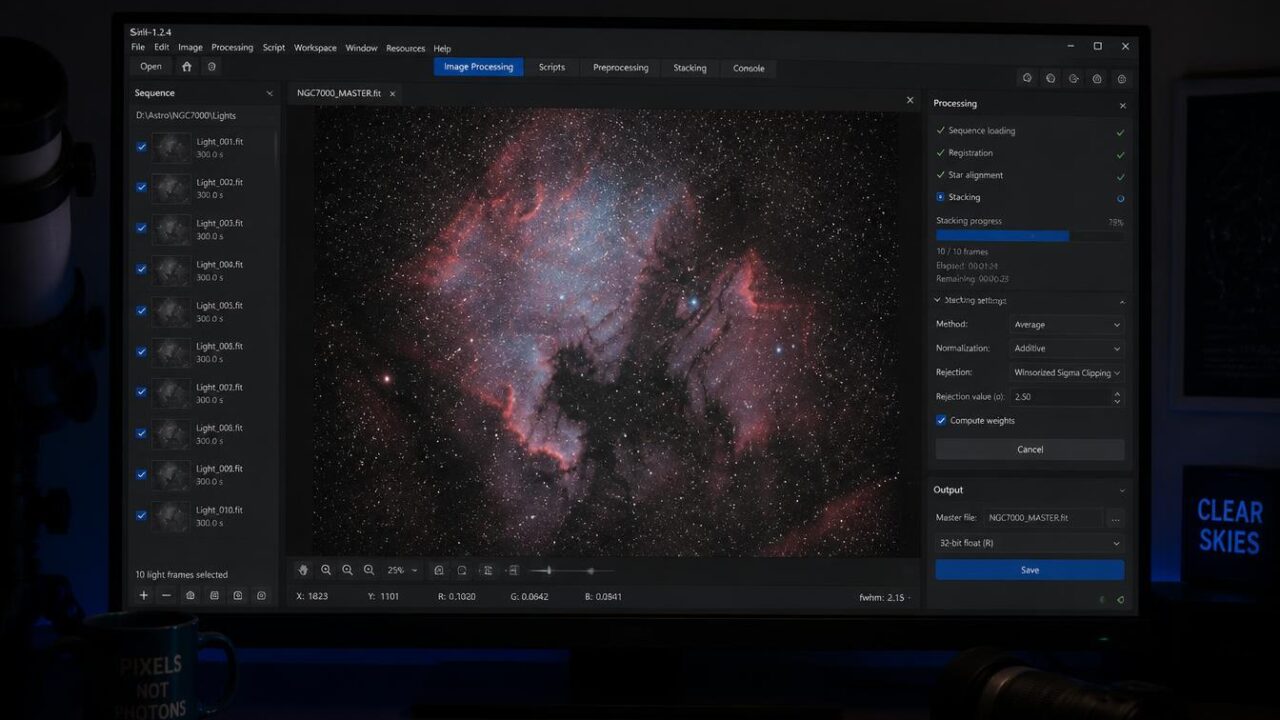
Astrophotography Stacking Software Guide:
Stacking multiple exposures dramatically improves image quality by reducing noise and enhancing faint detail, and this Astrophotography stacking software guide walks through the most popular programs available for combining your captured frames into a single, polished final image.
Why Stacking Matters
Rather than relying on a single exposure, astrophotographers typically capture dozens or even hundreds of shorter exposures, then combine them using specialized software. Stacking averages out random noise while reinforcing genuine, consistent signal, producing significantly cleaner final images.
DeepSkyStacker: A Popular Free Option
Among the most widely used programs covered in this Astrophotography stacking software guide, DeepSkyStacker offers a free, beginner-friendly interface for Windows users, handling the essential stacking process along with basic alignment and calibration frame integration.
PixInsight: The Professional Standard
For more advanced users, PixInsight represents one of the most powerful options within this Astrophotography stacking software guide, offering sophisticated calibration, stacking, and processing tools favored by serious astrophotographers, though it comes with a steeper learning curve and associated cost.
Sequator: A Simpler Alternative
This Astrophotography stacking software guide also highlights Sequator as a straightforward, free option particularly well-suited for wide-field Milky Way and landscape astrophotography, offering simpler controls compared to more complex programs like PixInsight.
Siril: A Cross-Platform Free Option
For users on Mac or Linux systems, Siril offers a capable free alternative covered in this Astrophotography stacking software guide, providing solid stacking and basic processing capabilities across multiple operating systems where some Windows-only programs aren’t available.
Understanding Calibration Frames
Beyond simply stacking light frames, this stacking guide emphasizes the importance of calibration frames — including dark frames, flat frames, and bias frames — which help remove sensor noise and optical imperfections for significantly cleaner final results.
Choosing Software Based on Your Workflow
This stacking guide recommends beginners start with free, simpler programs like DeepSkyStacker or Sequator before eventually transitioning to more powerful but complex options like PixInsight as their skills and specific processing needs develop further.
Integration With Post-Processing Software
After stacking, most workflows covered in this stacking guide involve exporting the combined image into separate editing software like Photoshop or GIMP for final contrast, color, and detail adjustments beyond what stacking programs alone typically provide.
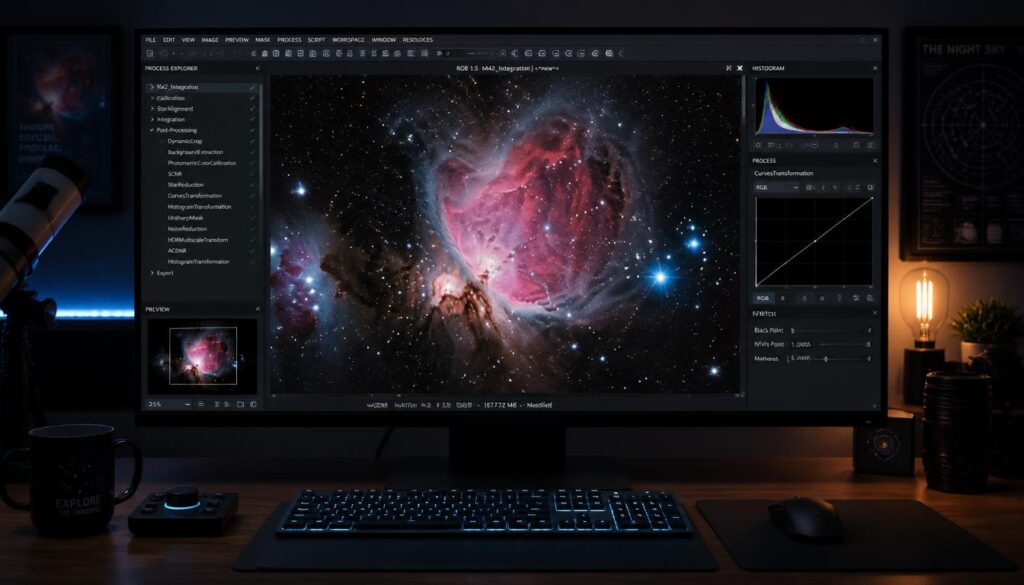
Astro Pixel Processor
Astro Pixel Processor, often called APP, is a paid program that combines stacking and some processing tools. It is known for strong mosaic capabilities and good handling of light pollution gradients.
Many photographers use it as a middle ground between free tools and the complexity of PixInsight. It offers a clear workflow and good results with less of a learning curve.
What Stacking Actually Does
Each exposure you take contains both signal from the stars and random noise. Stacking combines many exposures, averaging out the noise while reinforcing the signal.
Doubling the number of exposures improves the signal-to-noise ratio by about 1.4 times. This is why astrophotographers collect so many images of a single target, and why a stacking guide is essential for beginners.
Registering and Aligning Frames
Before stacking, software must align each frame so the stars line up perfectly. This process, called registration, corrects for small shifts caused by tracking errors or dithering.
Most programs identify stars in each frame and match their positions. Good registration ensures that the final image is sharp and free of double stars or smearing.
Rejection Algorithms for Satellites and Planes
Satellites, airplanes and cosmic rays can leave streaks and spots in individual frames. Rejection algorithms, such as sigma clipping, identify and remove these outliers during stacking.
With enough frames, these algorithms can remove satellite trails completely, which has become increasingly important as satellite constellations grow.
Stacking Planetary Images
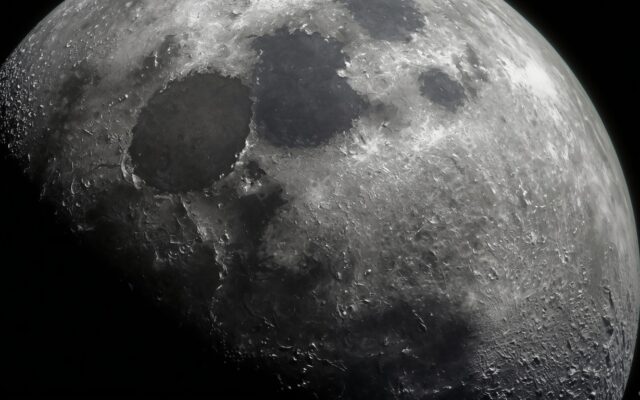
Planetary imaging uses a different approach, known as lucky imaging. Photographers capture thousands of short video frames and keep only the sharpest ones, which are then stacked.
Programs like AutoStakkert and RegiStax are designed for this process. They are popular for imaging the Moon, Jupiter, Saturn and Mars.
File Formats and Bit Depth
Stacking software typically works with RAW or FITS files, which preserve the full range of data captured by the camera. The final stacked image is usually saved as a 32-bit file, which contains more tonal information than a standard JPEG.
This high bit depth allows for more aggressive stretching and processing without introducing banding or posterization. Always work with these high-quality files until the final export.
Learning Resources
Each program has a community of users sharing tutorials, workflows and tips. YouTube channels, astronomy forums and online courses can help you master the software.
Start with one program and learn it well before trying others. The best software is the one you understand and use effectively.
A Step-by-Step Stacking Workflow
A typical workflow starts by loading light frames, darks, flats and bias or dark flat frames into your stacking software. The program calibrates each light frame, removing noise patterns and dust shadows, then registers the frames so the stars align.
Next, the software integrates the frames using an averaging method with outlier rejection. The result is a single master image that looks dull and dark at first, because the data is still linear. Stretching it in the next step reveals the faint details.
Saving the master as a 32-bit TIFF or FITS file preserves all the data for later processing in Photoshop, Siril, PixInsight or another editor.
Choosing Between Free and Paid Tools
Free tools like DeepSkyStacker and Siril are excellent for learning and produce great results. Paid tools like PixInsight and Astro Pixel Processor offer more control, better handling of difficult data and advanced features like mosaics.
Many photographers start free and upgrade only when they hit clear limits. A stacking guide should make it clear that good data matters far more than expensive software.
Hardware Matters Too
Stacking large numbers of high-resolution frames is demanding. A computer with plenty of RAM, a fast SSD and a modern processor dramatically shortens processing time, especially in PixInsight and Astro Pixel Processor, where a big project can otherwise take hours.
Quick Troubleshooting
If stacking fails, the usual causes are too few detected stars, mismatched calibration frames or frames taken at different orientations. Lowering the star detection threshold or removing poor frames usually fixes the problem.
Final Thoughts
Choosing the right stacking program depends heavily on your experience level, operating system, and specific imaging goals, with excellent free options available for beginners before considering more advanced paid alternatives.
Keep exploring with our guides to Astrophotography editing software comparison, Astrophotography noise reduction techniques and Deep sky astrophotography camera settings. For official information, visit NASA’s skywatching tips.
Frequently Asked Questions
Why is stacking important in astrophotography?
It reduces noise while reinforcing genuine signal by combining multiple exposures.
What’s a good free stacking program for beginners?
DeepSkyStacker offers a beginner-friendly, free option for Windows users.
What is PixInsight used for?
Advanced, professional-level stacking and processing, favored by experienced astrophotographers.
What are calibration frames?
Dark, flat, and bias frames used to remove sensor noise and optical imperfections.
Is there stacking software for Mac users?
Yes, Siril offers a capable free cross-platform option for Mac and Linux users.
Keep exploring